遥控与触控
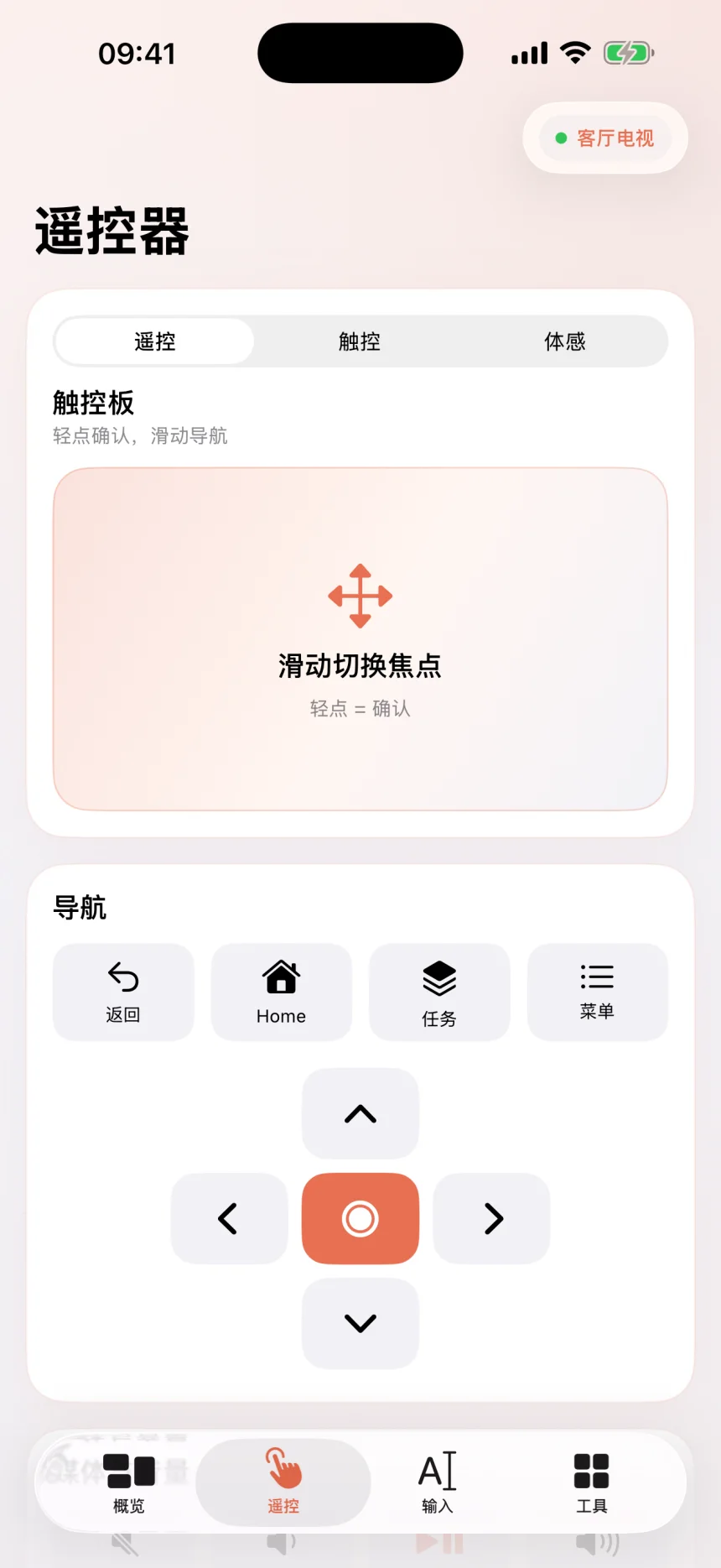
方向键、触控板、媒体与音量控制,让 iPhone 变成顺手的电视遥控器。
 Tivon下载公测版
Tivon 在同一局域网内连接 Android TV 和安卓设备。遥控、文字输入、 截图、文件传输与应用管理,一个 App 就够了。
不用注册账号,不经过 Tivon 云端。发现、配对与控制都发生在你的本地网络。
方向键、触控板、媒体与音量控制,让 iPhone 变成顺手的电视遥控器。
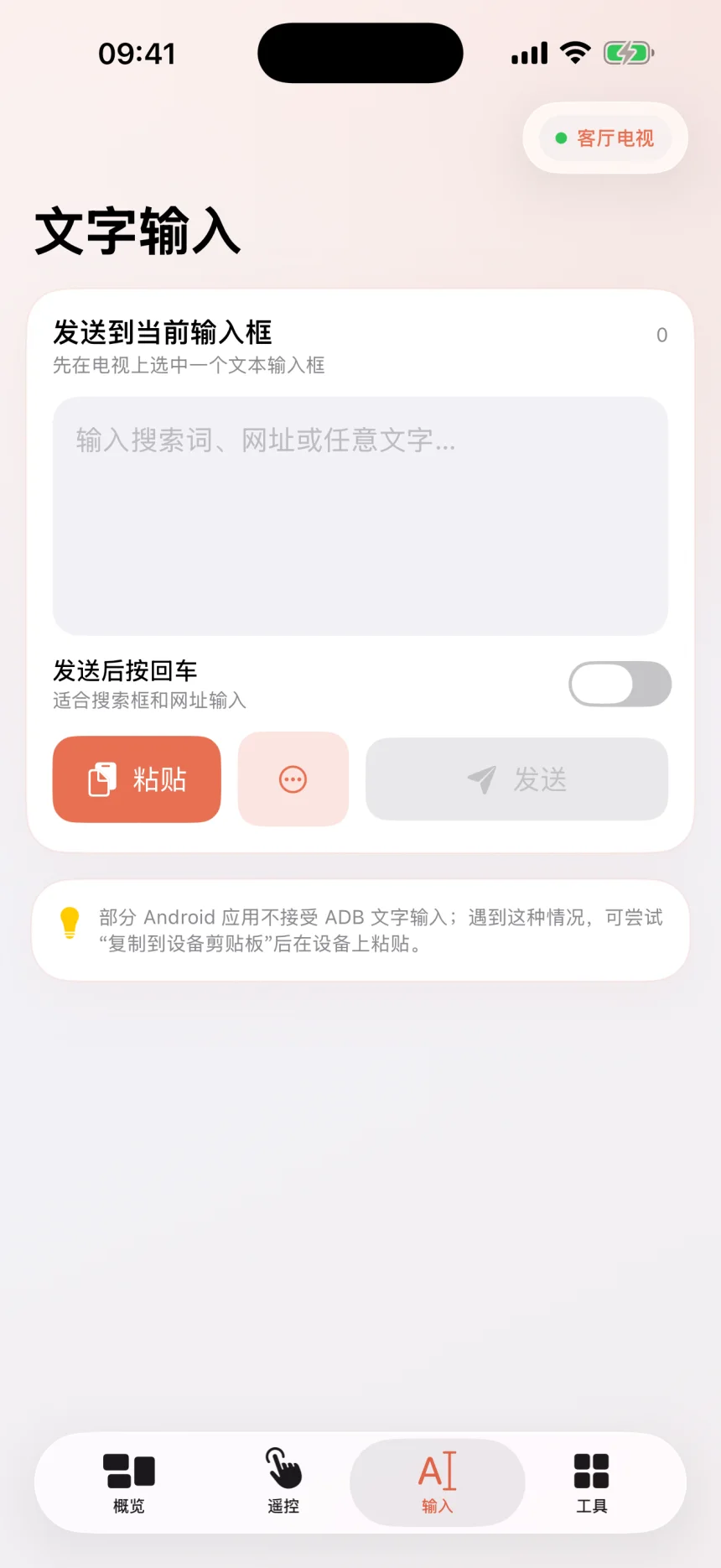
直接把搜索词、网址或长文本发送到电视当前输入框。
获取电视画面或录制片段,并通过 iOS 系统分享。
查看设备信息,传输文件,安装 APK,管理应用并运行 Shell。
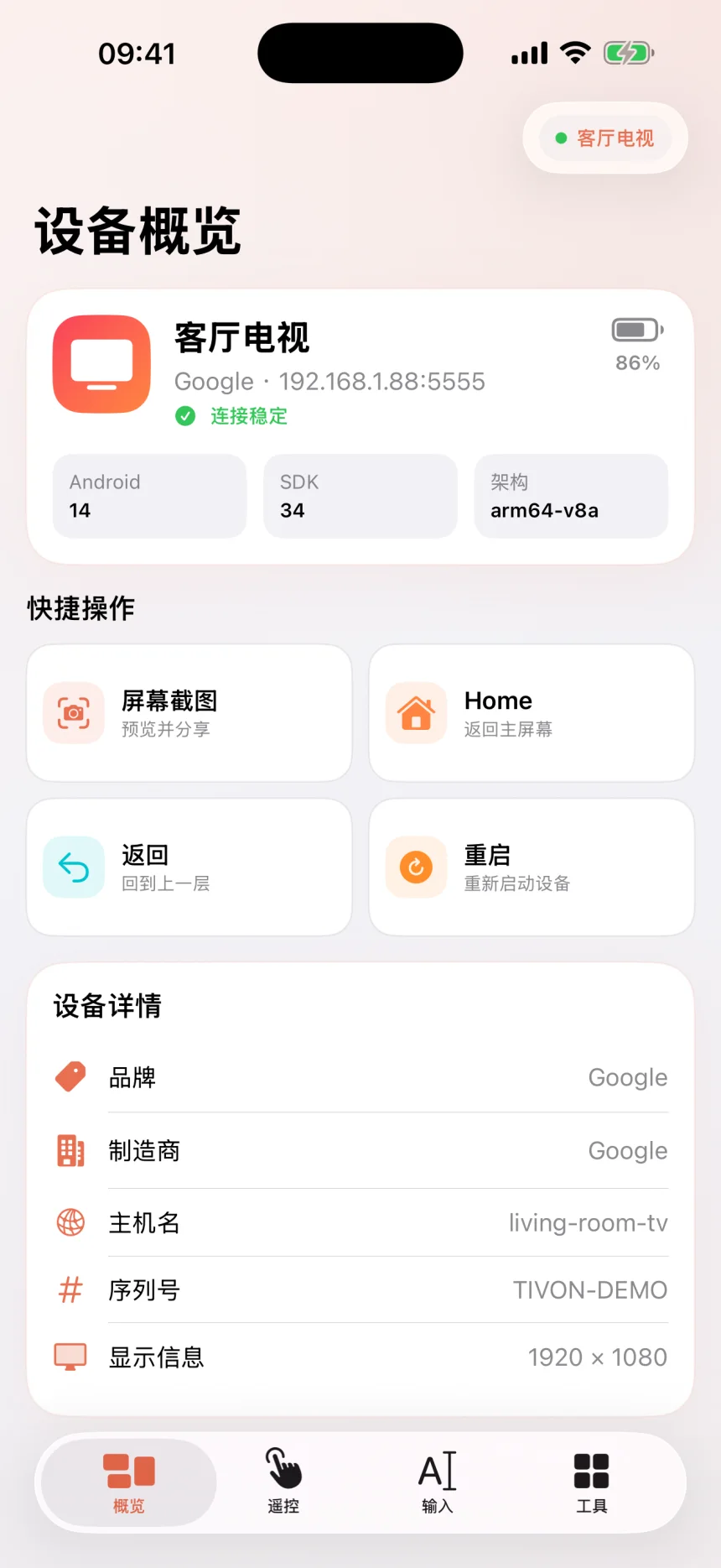
清晰的设备状态、专注的遥控布局和完整的工具入口,让常用操作始终触手可及。
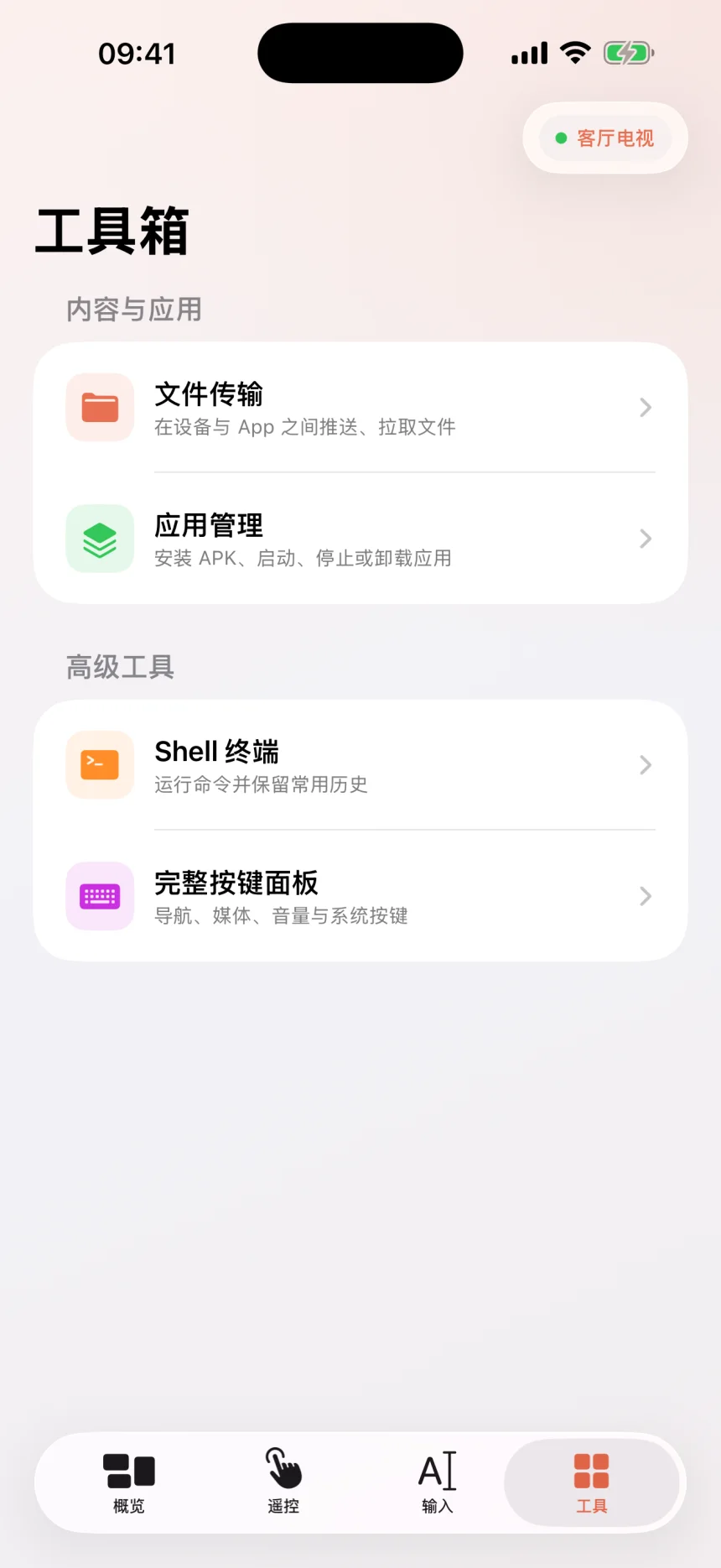
公开 TestFlight 公测现已开放。App Store 正式版将在审核通过后提供。
Android 11 及以上版本支持标准六位码无线调试配对。
确保 iPhone 与 Android TV 连接同一 Wi‑Fi,并在电视开发者选项中开启无线调试。
在电视选择“使用配对码配对设备”,然后在 Tivon 中输入电视显示的六位配对码。
接受电视上的调试授权,即可使用遥控、文字输入、截图、文件和应用管理工具。
检查两台设备是否位于同一子网,确认已允许 Tivon 访问本地网络,然后重新扫描。
无线调试端口可能变化。请使用电视无线调试页面当前显示的地址和端口。
部分厂商会限制 ADB 指令。请保持电视解锁,并确认电视上的授权弹窗。
Connect your iPhone or iPad and Android TV to the same Wi-Fi network, then enable Wireless debugging in Android Developer options. On Android 11 or later, choose “Pair device with pairing code” on the TV, select the pairing service in Tivon, and enter the six-digit code. Accept the debugging authorization on the TV when prompted.
If discovery fails, confirm both devices are on the same subnet, allow local network access for Tivon in iOS Settings, and scan again. Wireless-debugging ports can change, so use the address and port currently shown on the TV.
隐私政策 · 最近更新于 2026 年 8 月 14 日
Tivon App 不运营云端账号、分析平台或广告系统,不收集、出售或共享个人信息,也不会将设备操作记录发送到开发者服务器。
官网使用第一方访问统计,仅记录固定的产品、页面、语言和来源类别、匿名会话及访问时间,保留 90 天。会话标识只存于当前浏览器标签页,30 分钟无页面跳转后更新,不使用统计 Cookie。不采集完整网址、查询参数、片段、文件内容或 App 内使用数据;尊重浏览器的 DNT 和 GPC 拒绝设置,不加载第三方追踪脚本。
应用只使用本地网络权限发现并连接你主动选择的 Android 设备。设备地址、收藏和输入历史仅保存在本机。
只有在你明确选择文件、粘贴文字或执行传输时,Tivon 才会处理相应内容;这些内容不会上传到 Tivon 的服务器。
体感飞鼠使用 iPhone 陀螺仪计算指针移动。传感器数据仅用于实时控制,不会被保存或上传。
你可以在应用内删除收藏和历史记录。卸载 Tivon 会移除应用保存在本机容器中的全部数据。
如需使用支持、隐私或数据相关协助,请发送邮件至 qianzhen2014@126.com。
Last updated: August 14, 2026. The Tivon app does not operate cloud accounts, advertising, analytics, or tracking services. It does not collect, sell, or share personal data.
The website uses first-party visit statistics: fixed product, page, language and source categories, anonymous sessions and timestamps, retained for 90 days. Session IDs stay in the current browser tab and renew after 30 minutes without navigation; no analytics cookies are used. Full URLs, query strings, fragments, file contents and in-app activity are not collected. Browser DNT and GPC opt-outs are respected, with no third-party tracking scripts.
Local network access is used only to discover and communicate with Android devices selected by the user. Device addresses, favorites, and input history remain on the user's device. Files and clipboard content are handled only after an explicit user action and are never uploaded to a Tivon server.
Motion sensor data is processed only for live air-mouse control and is not stored or uploaded. Users can remove favorites and history inside the app; uninstalling Tivon removes all data in its local app container. For privacy or support requests, email qianzhen2014@126.com.